Discreet packaging on every order

How to Use the Love Spouse App: Setup, Modes & Tips
How to Use the Love Spouse App: Setup, Modes & Tips
The Love Spouse app lets you control a compatible vibrator from your phone. You can use it alone, hand the controls to a partner in the same room, or play across the world. This guide covers setup, every main mode, and a few tips to get more out of it.
LoveSpouse Store is an independent retailer. We don’t run the app. For account, token, or login problems, contact the app’s official support at customer@lovespouseapp.com.
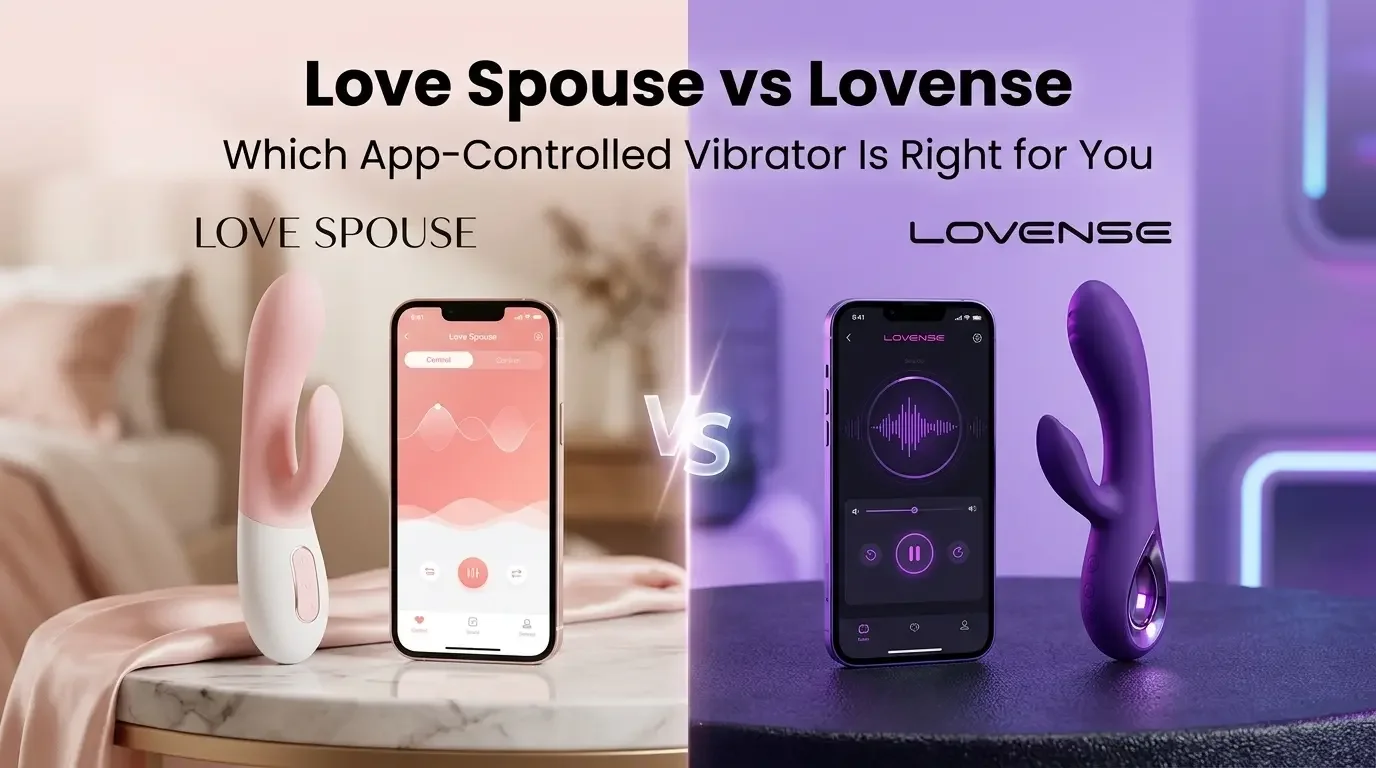
What you need before you start
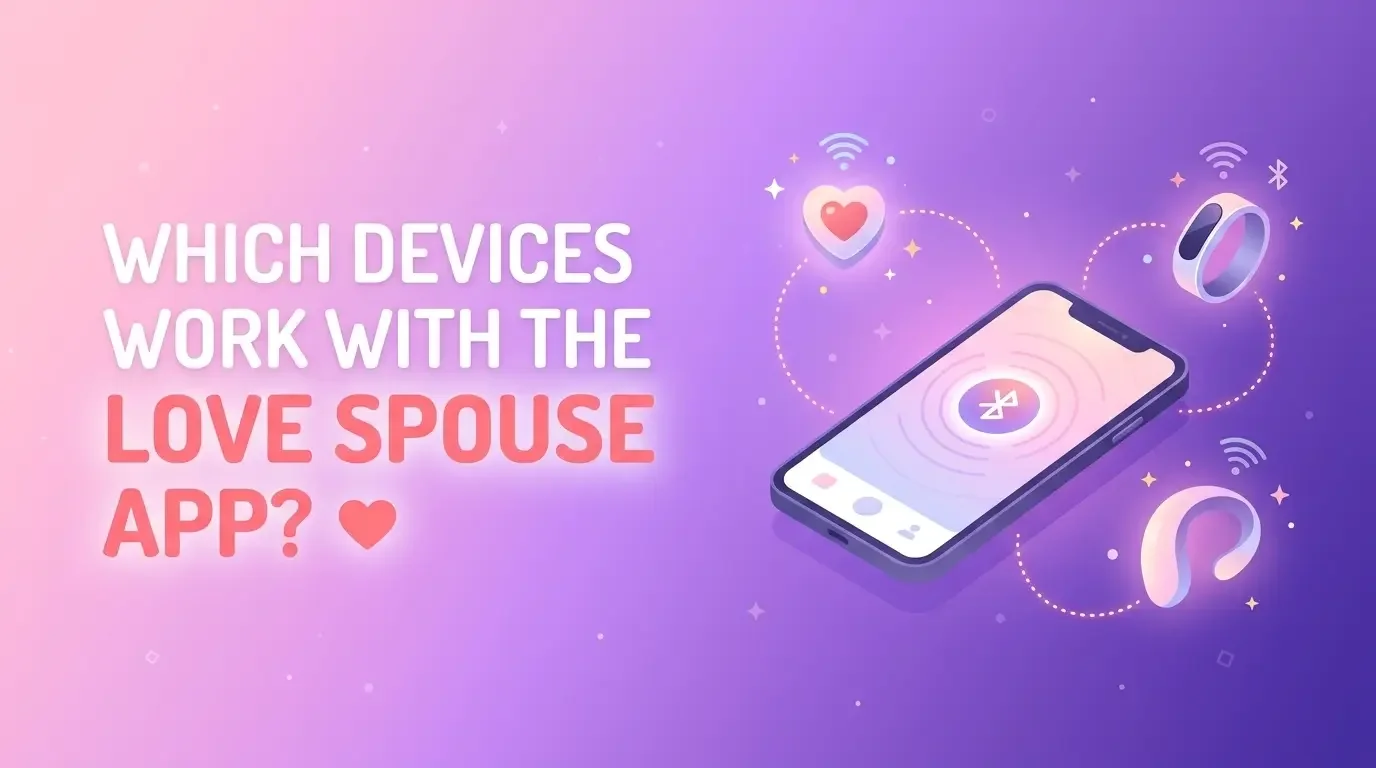
- A device that works with the app
- A fully charged device
- A smartphone with Bluetooth
- The Love Spouse app, downloaded from the link on the official Love Spouse website or from the app store where it’s available for your phone
How to connect your device
- Charge your device and turn it on.
- Open the app and allow Bluetooth permissions. On Android, also turn on Location, which Bluetooth scanning needs.
- Tap the + sign in the app.
- Enter your device code, or scan its QR code.
- Once the device is bound, it appears in the app, and you’re ready to play.
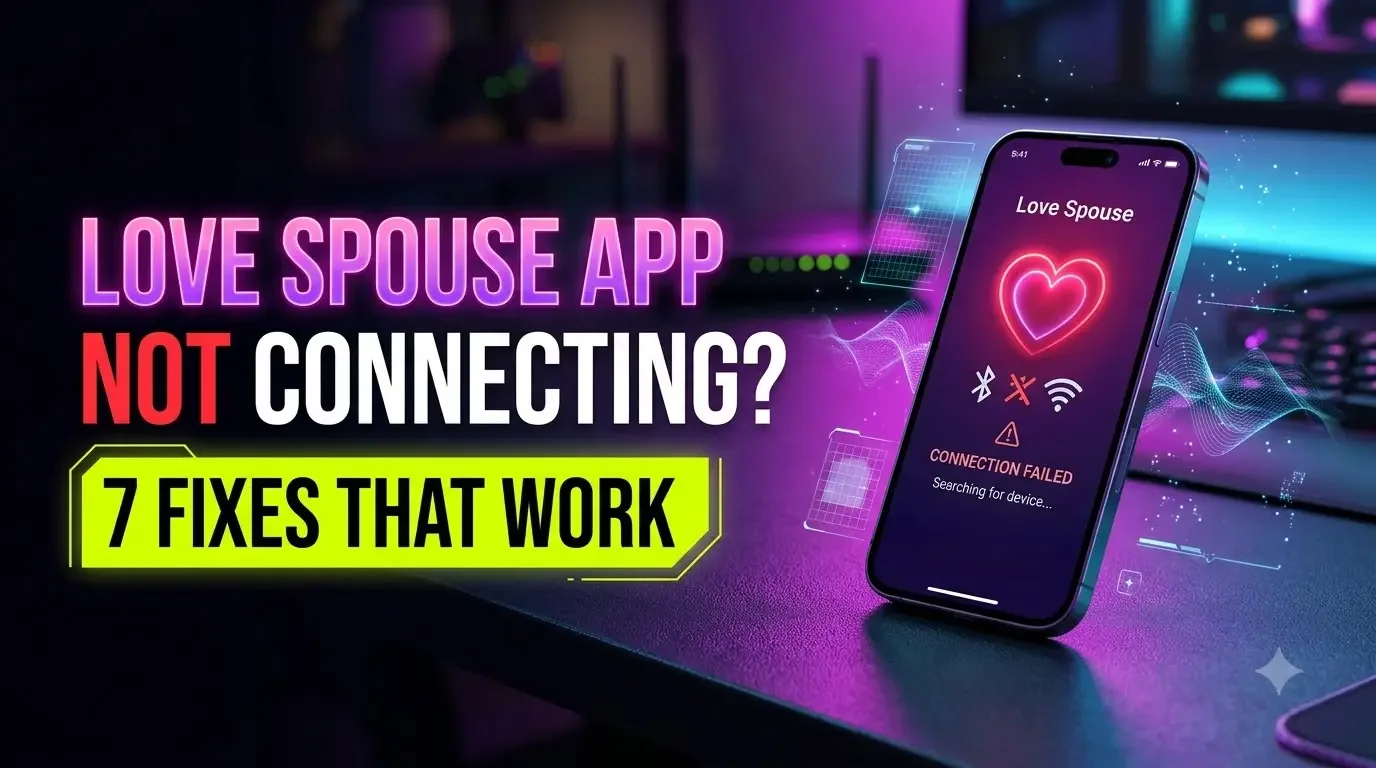
If it doesn’t connect, move closer to the device, switch Bluetooth off and on, restart the app, and make sure no other phone is already connected to it.
The main modes explained
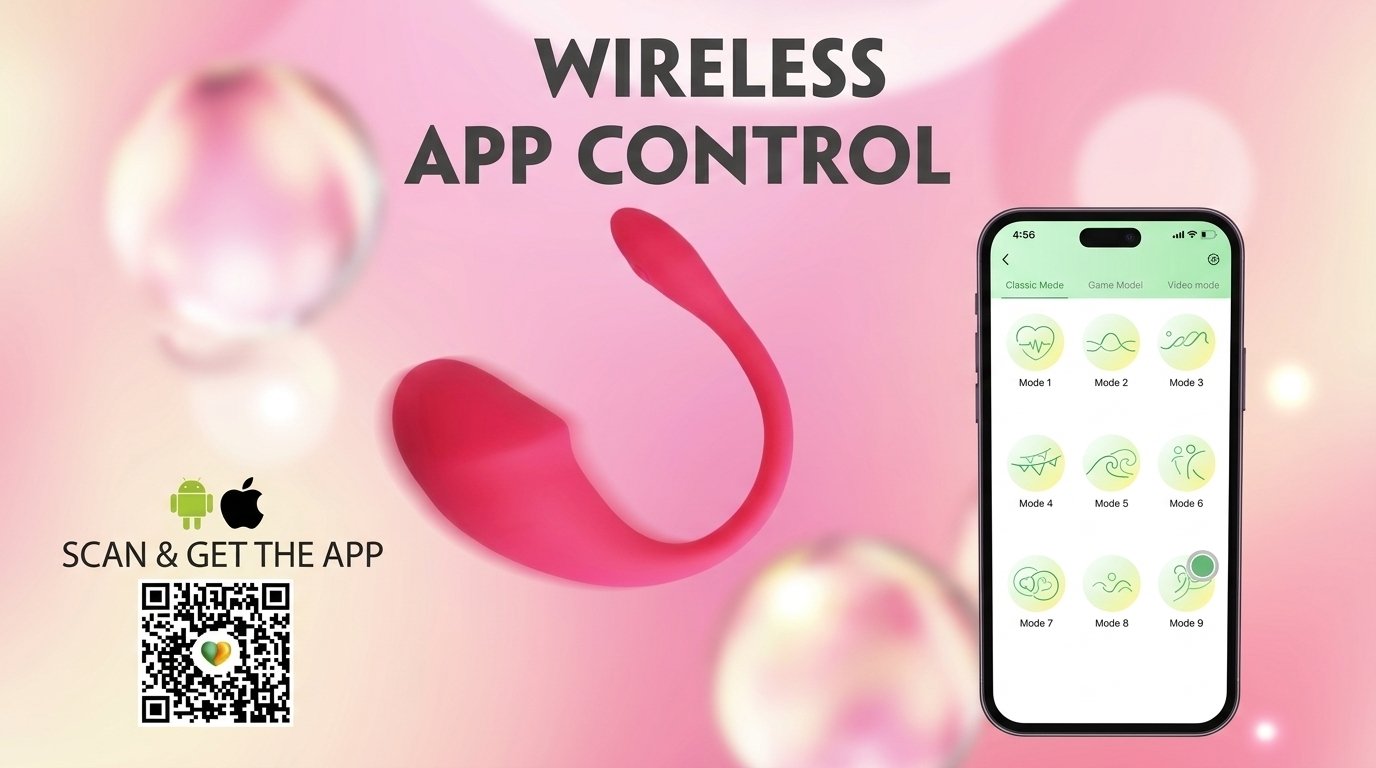
Classic mode. The simplest way to play. Tap any icon and the device starts the matching vibration pattern. The icon flashes while it runs, and tapping it again stops the device. Some dual-motor devices have two groups of patterns you can run at the same time.
Game mode. A simple game on your screen, and your device reacts as you play. Bigger moves in the game bring stronger vibrations.
Video mode. Save a video to your phone, import it into the app, and the device vibrates along with it. You can also tap the mode buttons below to control it yourself.
Music mode. The device follows the beat of your music. For this mode, your phone and device need to be on the same Wi-Fi network.
Draw-a-line mode. Slide your finger across the screen to control the device in real time. Keep your finger down to keep it going. You can save a pattern you like and replay it later.
Interactive mode. This is the mode most couples love. It lets a partner or friend control your device remotely, with voice or video chat alongside.
Some devices also have extra functions such as heating or a stimulation function, shown by extra icons in the app. Not every device has every mode, so check your product page.
Tips for long-distance couples
- Both of you need the app and a stable internet connection.
- Test the connection before date night. A quick five-minute trial avoids the frustration of troubleshooting at the last minute.
- Agree on a stop signal or word before you start, especially when you’re not in the same room.
- Keep your phone charged and Do Not Disturb on, so notifications don’t interrupt you.
- Start slow. Try gentle patterns first and build up together.
Common questions
Do I need to own a device to use the app?
You need a compatible device to control it. The app also has community features, and some of them can be used without owning a device. Features and availability are set by the app and may vary by country.
Why won’t my device connect?
Most problems come from Bluetooth permissions, a low battery, or another phone already connected. Work through the connection steps above.
I can’t top up tokens, or my account is banned. Can you help?
We can’t, because we don’t run the app. Please contact the app’s official support at customer@lovespouseapp.com.
Is the app for people 18 and over only?
Yes. Adults only.
Ready to pick a device?
If you’re still choosing, our guide to remote control vibrators explains what to look for. Or browse our couples vibrators. The TickleMe Vibe is a popular choice for couples and long-distance play.
Last updated: November 2026