Discreet packaging on every order

Love Spouse App Not Connecting? 7 Fixes That Work
Love Spouse App Not Connecting? 7 Fixes That Work
Quick answer: most connection problems come from Bluetooth settings, a low battery, or another phone already connected. Work through the fixes below in order. Most take less than a minute.
LoveSpouse Store is an independent retailer. We don’t run the app. For account, token, or login problems, contact the app’s official support at customer@lovespouseapp.com.
Before you start
- Charge your device fully
- Keep your phone within a meter or two of it
- Update the app to the latest version
1. Check the device is on
Make sure the device is switched on and charged. A low battery is one of the most common reasons it won’t show up.
2. Turn Bluetooth off and on
Open your phone settings, switch Bluetooth off, wait five seconds, then switch it back on. Reopen the app and try again.
3. Allow permissions
The app needs Bluetooth permission to find your device. If you tapped “Don’t allow” by mistake, go to your phone settings, open the app’s permissions, and turn Bluetooth on.
4. Turn on Location (Android)
Android phones need Location switched on to scan for Bluetooth devices. You don’t need to share your location with anyone. It’s just how Android works.
5. Disconnect other phones
A device can only connect to one phone at a time. If your partner’s phone, an old phone, or another app is already connected, disconnect it first.
6. Restart everything
Close the app completely and reopen it. If that doesn’t work, restart your phone, then switch the device off and on again.
7. Bind the device again
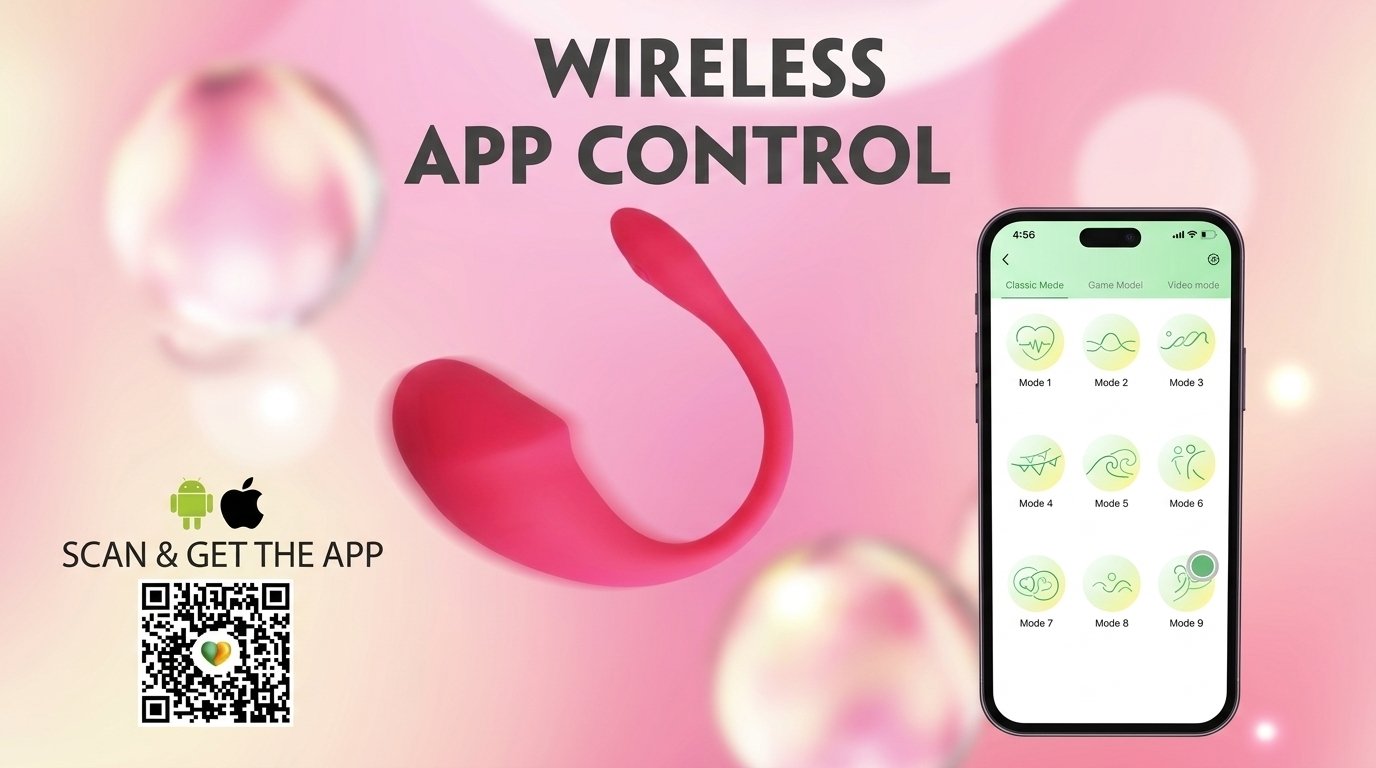
Tap the + sign in the app, then enter your device code or scan its QR code.
If your device is already in the app’s list and won’t connect, try removing it and adding it again.
Music mode not working?
Music mode needs your phone and device to be on the same Wi-Fi network. Check both are connected to the same one.
Still not connecting?
If you’ve tried everything:
- Test with a different phone, if you can
- Check the device is fully charged
- Make sure it isn’t damaged
Bought from us? Email support@lovespousestore.com with your order number and your phone model. We’ll help you figure out whether it’s a settings issue or a faulty device.
Account, token or login problem? We can’t help with that, because we don’t run the app. Please contact customer@lovespouseapp.com.
Related guides
Last updated: November 2026